Make your own card stickers and pixel icons for free, or grab animated icon packs that come alive on your Yoto.
Open a tool in your browser and start making, or download ready-made icons and card patterns. No catch, they're all free.
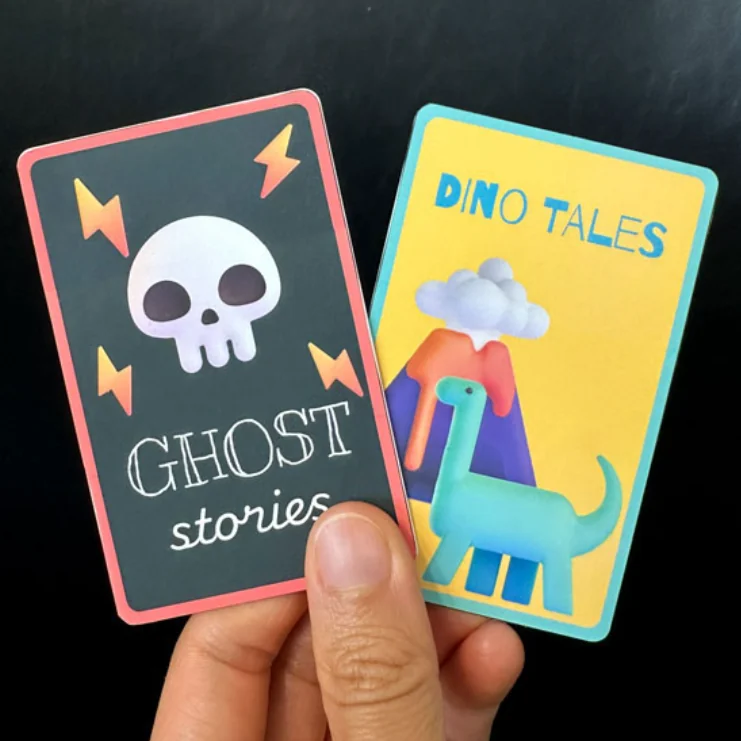
Make your own card stickers
Design custom stickers for your Make Your Own cards, drop in a photo or emoji, and print a whole sheet at once.
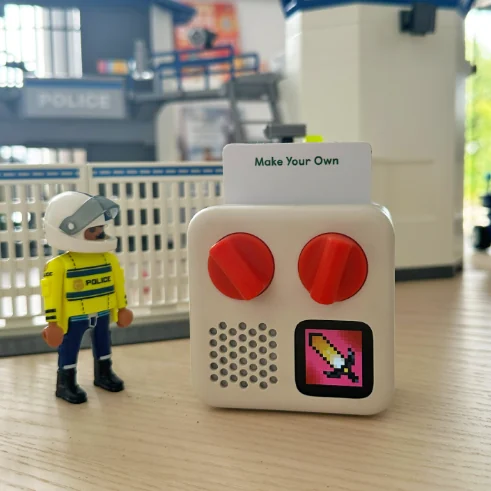
Draw your own pixel icons
A 16×16 pixel editor for your cards. Draw from scratch, or turn any emoji or photo into an icon.
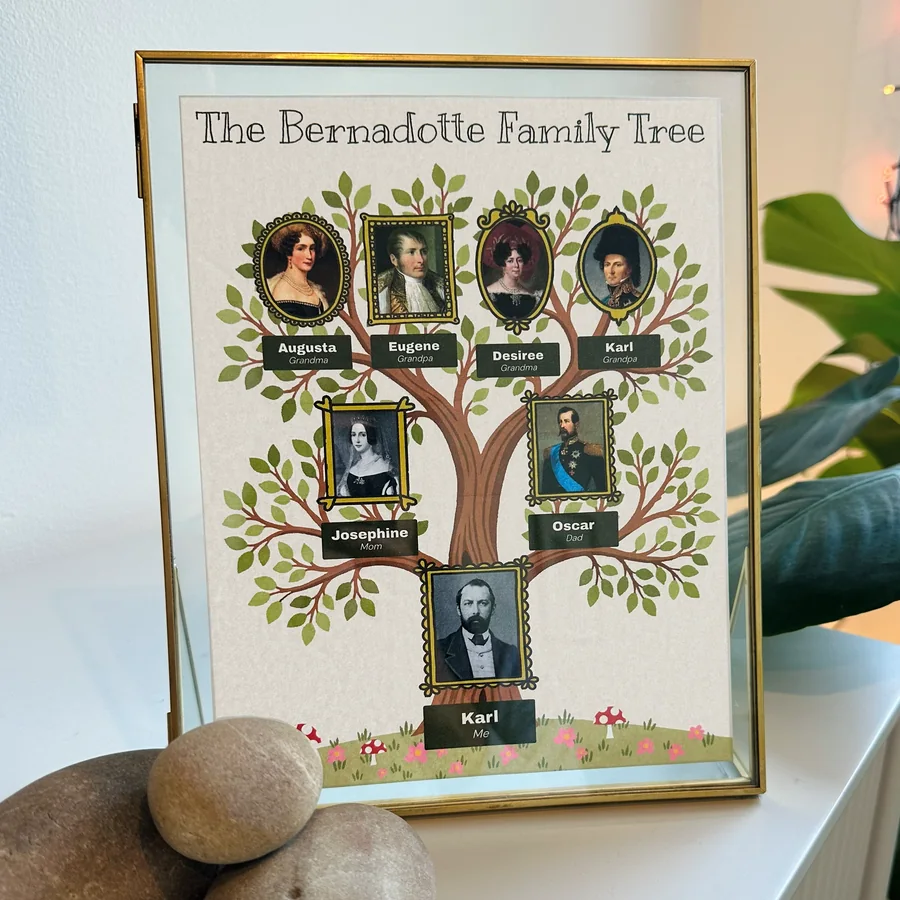
Grow your own family tree
Build a family tree poster from your own photos, ready to print, frame and give.
Ready-made card designs, free to download. Add your title in the Sticker Maker, then print a sticker or save a Yoto cover. Or print the PDF and write on it.
Hand-drawn 16×16 icons that move on your Yoto's screen. Every icon comes as an animated GIF plus a still PNG, ready to upload.
All 30 packs, 600 animated icons, plus every new pack I make. Pay once and every future pack is yours free, and so is the Animated Icon Maker. The price goes up as the library grows, but yours never will.
Make your icons move
Everything in the free Icon Maker, plus animation. Draw your icon, then bring it to life on your Yoto's screen.
🎁 Free with the Whole Icon Library
Morning, chores and bedtime in one press
Turn your routines into playlists your kids start themselves. Each step plays its own track, and a little picture on the screen shows what to do next.
Pairs with my new Daily Routines and Chores icon packs
Here's me drawing a pink castle in the free Icon Maker, start to finish. No art skills needed, just one pixel at a time.
Music: "Carefree" by Kevin MacLeod (incompetech.com), licensed under CC BY 4.0
iPads can only run tools like this from a website. I build my tools to work offline, right on your own device, so the Icon Maker won't open on an iPad.
So why am I on an iPad in the video? I run the Icon Maker on my own little home server, which lets my iPad open it.
Try the Icon Maker ✦ Hi there!
I'm a mom to a little boy who loves art, and he is the inspiration behind everything I make.
When he was little my head was bursting with ideas for things that might make parenting easier and more fun, but I had absolutely no time to build any of them. Now that he's in primary school and I have more time on my hands, I'm pouring all of it into these tools.
My tools all work offline, with no account, no login and nothing to install. Why? I've worked in graphic design for decades, and the part I've always loved is making something myself. So I build tools for people who love making their own designs. No AI doing it for you. Just you and your own creativity.
Everything I make comes back to the same wish: to help with the hard bits of parenting and make a little more room for the fun. Hope you'll join me on my journey!
The Yoto gear and craft supplies I love and recommend. When you buy through my Amazon links, Amazon sends me a small commission at no extra cost to you, and it helps me keep making tools. Thanks so much for your support!
 Yoto Mini (2024)The pocket-sized player, for car rides, trips and sleepovers.See it on Amazon ↗
Yoto headphonesWireless and volume-limited, sized for little heads.See it on Amazon ↗
Budget headphonesA wired pair with a volume limit, for a lot less.See it on Amazon ↗
Yoto Mini travel caseHard case with a strap. Holds the Mini (2024), headphones and 30 cards.See it on Amazon ↗
Mini 4th Gen jacketSilicone jacket with a wrist lanyard. Links to Penguin Blue; also comes in Fresh Frog Soup, Sunny Side Up and Dancing Flamingo. Fits the Mini 4th Gen only.See it on Amazon ↗
Player 4th Gen jacketSilicone jacket with a carry handle, in 4 colors. Fits the Player 4th Gen only.See it at Yoto ↗
Player jacket (3rd Gen)Soft silicone case with a carry handle, for the 3rd Gen Player.See it on Amazon ↗
Card case organizerMy son loves the dinosaur one!See it on Amazon ↗
Make Your Own cardsBlank cards for your stickers and icons.See it on Amazon ↗
Vinyl matte sheetsWaterproof, super durable, really nice finish.See it on Amazon ↗
Matte labelsPre-cut, print and peel. What I use most.See it on Amazon ↗
Glossy labelsSame labels with a shiny, laminated look.See it on Amazon ↗
Corner punchRounds sticker corners to match the card. Use the 4 mm slot.See it on Amazon ↗
Paper trimmerQuick, straight cuts through a whole sheet of stickers.See it on Amazon ↗
Laminating sheetsA clear, no-heat cover that helps paper labels last.See it on Amazon ↗
Sticker scraperLifts old stickers so you can reuse a Make Your Own card.See it on Amazon ↗
Simple photo frameTurns your tree into a gift.See it on Amazon ↗
Floating photo frameA bit of a splurge, but so pretty.See it on Amazon ↗
Matte cardstockA heavier, keepsake feel.See it on Amazon ↗
The Amazon links are affiliate links. As an Amazon Associate I earn from qualifying purchases.